Did you know that you do not need a smartphone to pay for parking or register for a free parking session with Ealing Council?
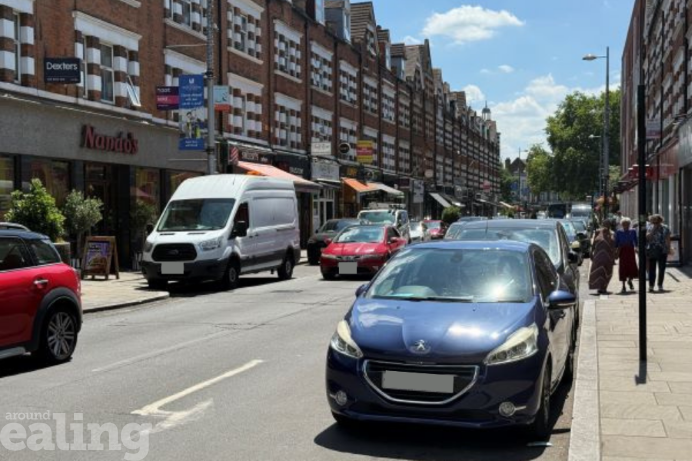
Changes to free parking across the borough’s 7 towns were introduced last year, in a bid to make it easier for people to park, pop in, and support local businesses. In stop and shop+ bays, motorists can have 30 minutes of free parking. But first they must register at the start of the 30 minutes, and then they have the option to pay to stay longer.
In response to feedback from residents, Ealing Council is reminding people of the different ways available to correctly park for free or pay for a parking session.
Most motorists tend to use the PayByPhone app on their smartphones. But, for those who do not use a smartphone, prefer to use cash or are not as confident using online technology, there is an alternative option to use a PayPoint in nearby shops instead.
‘Giving residents a choice’
Councillor Dominic Moffitt, the council’s cabinet member for climate action, said: “We want our services to be easy for everyone to use. While many people choose the convenience of a parking app, we know that’s not the right option for everybody. Whether you need to register a free parking session in one of our Stop and Shop plus bays or pay for parking, there are alternatives available, including local PayPoint retailers and telephone payments. Giving residents a choice helps ensure our parking services remain accessible, inclusive and convenient for all.”
How does PayPoint work?
If you do not have a smartphone with the PayByPhone app, you can still register a free parking session or pay for parking in-store at a shop with the PayPoint service.
PayPoint is a nationwide network of local shops and convenience stores where residents can register free parking sessions and pay for parking in person.
To use the service, take note of the PayByPhone location code shown on the parking sign nearest to where you have parked and visit a PayPoint retailer. They can then register the parking session electronically using the vehicle registration number.
How do I find a PayPoint?
To find the nearest PayPoint, look for the yellow PayPoint sign in participating shops or use the PayPoint store locator. Or you can text the word CASH to 60075 along with the PayByPhone location of where you are parked. You will receive a text with details of your two nearest PayPoint stores.
How else can you register or pay to park?
- call PayByPhone (0330 400 7275)
- Blue Badge holders remain exempt from these changes.